


Attendance
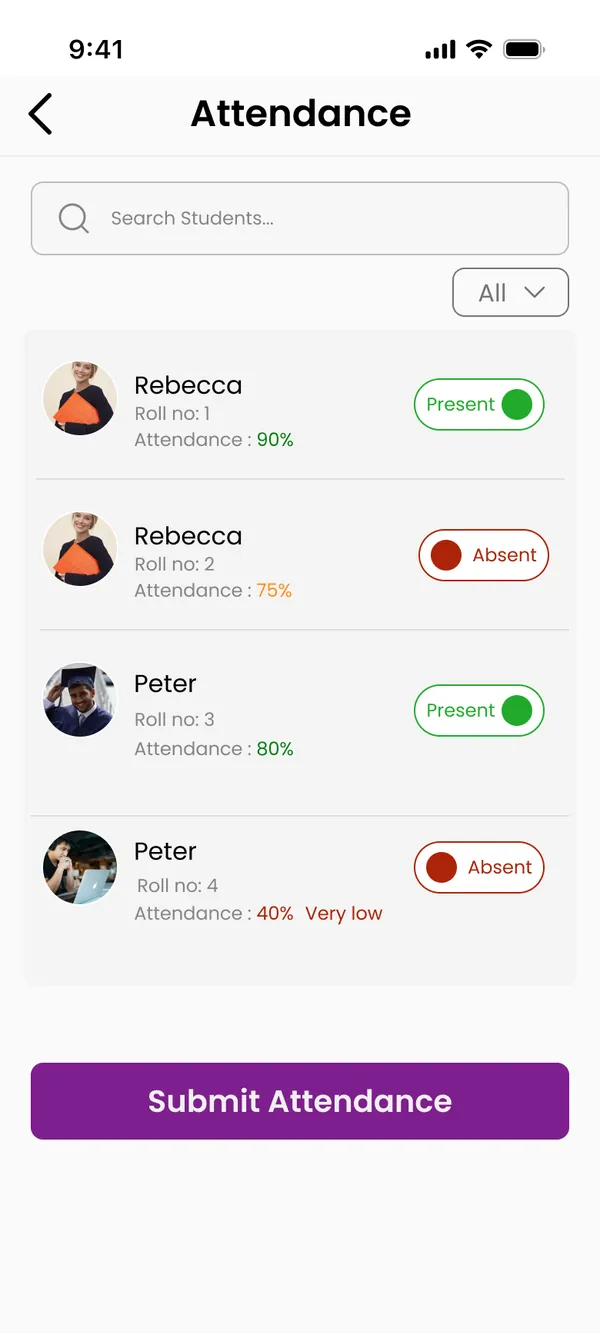
Marked by the teacher, seen by the student.
The teacher marks present or absent per student; the student's report shows the percentage, the history and the leave requests.
Present 80%Weekly report
Personal leave10 to 12 Nov · Awaiting
Training institute app
Classes, tests and batches,
in one app.


The idea
Students study, test themselves and follow their attendance. Teachers run batches, mark attendance, upload material and set tests. Counsellors create batches, enrol students and reach everyone with a push. Guests look around and try a mock test.
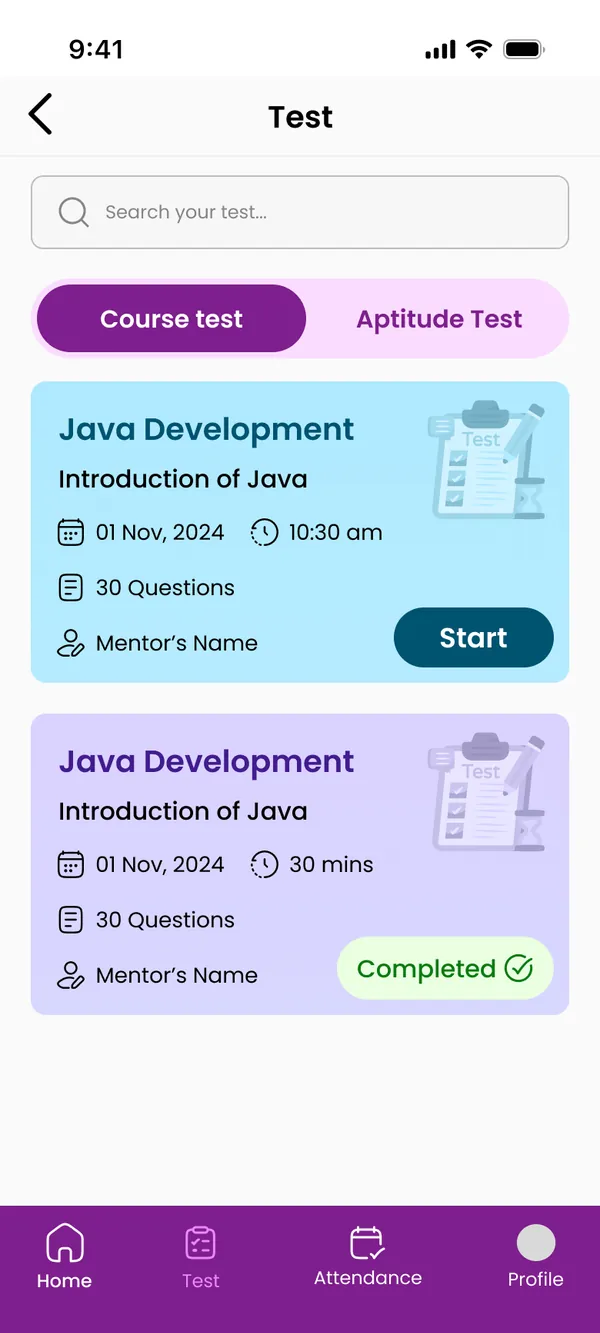
Course and aptitude tests with a timer, the result the moment it ends; mock tests at easy, medium and hard.
Teachers mark present or absent per session; students and staff see their percentage and apply for leave.
A batch with its course, students, mentor and session sheet, created in one form; a notice pushed to all.
01Choose who you are
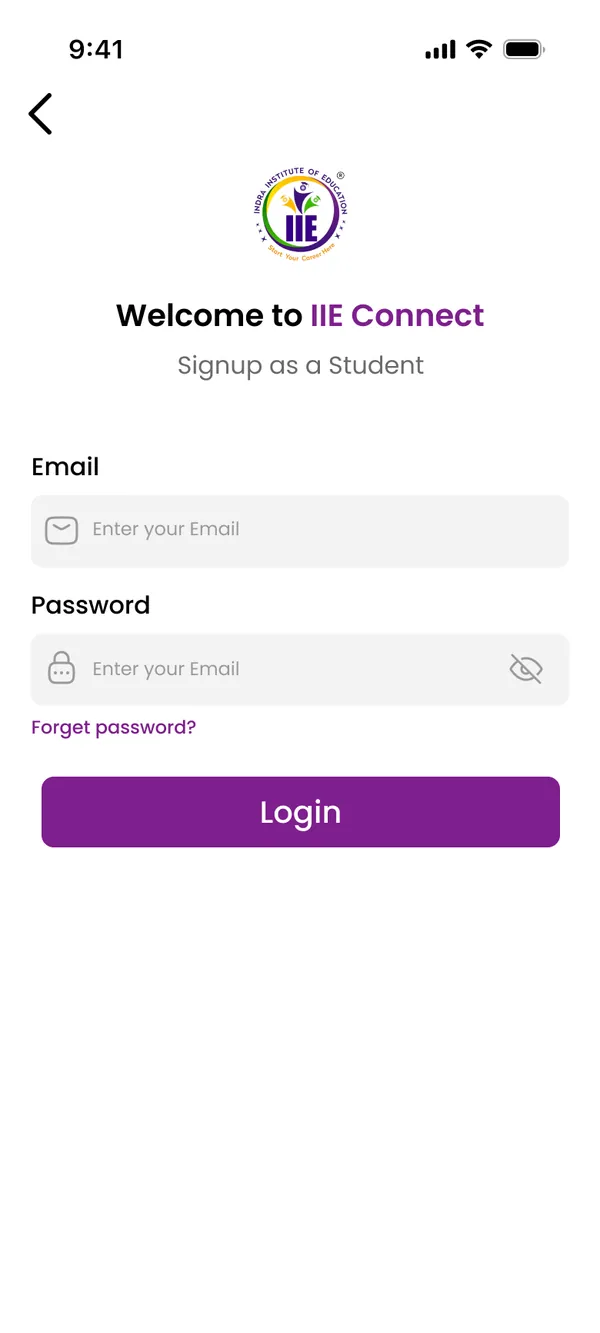
02Sign in
03Home
04Study materials
05Tests
06Before the test
07A question
08Result
09Attendance
Attendance
The teacher marks present or absent per student; the student's report shows the percentage, the history and the leave requests.
Tests
A course or aptitude test, question by question against the clock, and the result the moment it ends.
Mock tests
Aptitude mock tests at three levels, thirty seconds a question, for students and guests alike.
Batches
Batch number, course, students, mentor and the session sheet, assigned in one go.
Push notifications
A title, a message and a picture to all, to staff or to students, with the history kept.
01Sign in
02Your batches
03Mark attendance
04Session sheet
05Upload material
06Create a test
07Add questions
08Test results
09Apply for leave
01Sign in
02Batch management
03Create a batch
04Students
05Add a student
06Staff
07Student details
08Push notification
09Session sheet
01Guest sign-in
02Verify
03About IIE and the courses
04Mock test
05A question
06Profile
Tell us your idea in your own language. Our team builds it with you, within budget.
Or talk to us on WhatsApp →