Attendance
Marked once, seen by all.
The mentor marks present, absent or leave; the parent sees the report and the absent days, and can raise a concern.
Attended 108 of 12095% this year
Absent on 2 AprilRequest a concern
The idea
Students see their homework, marks and fees. Parents follow attendance and pay. Mentors mark attendance, set work and enter marks. The office runs classes, terms, exams and fees from the web panel, and the principal and the group's super admin watch every school's numbers.
A mentor marks present, absent or leave; the student and the parent see the report and can raise a concern.
Homework and assignments go out by class; students submit a photo; mentors score it and the mark reaches the parent.
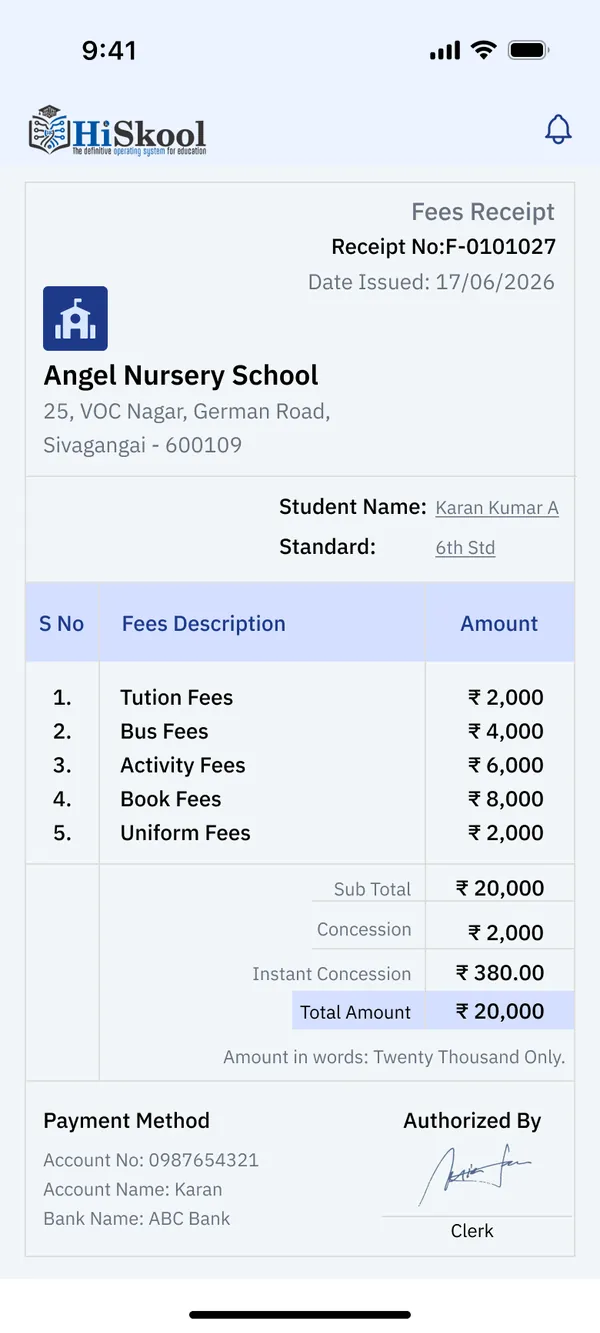
Term fees with a Pay now button and a receipt; the office sees collected and pending, class by class.
01Create an account
02Find the school
03Your child's roll number
04Ward added
05Home
06Attendance report
07Raise a concern
08Fees
09Receipt
Attendance
The mentor marks present, absent or leave; the parent sees the report and the absent days, and can raise a concern.
Homework
The student uploads a picture of the work; the mentor scores it and the mark shows on both sides.
Fees
Term fees with a Pay now button, month by month, and a receipt to download.
Announcements
The office writes once and sends to all staff, all parents or all schools, now or on a date.
For the group
Strength, attendance, income against expenses and fee collection, school by school.
01Home
02Homework
03Submit
04An assignment
05Scored
06Class test marks
07Exam marks
08Ask a doubt
09Complaints
01Log in
02Home
03Mark attendance
04Attendance report
05Create an assignment
06Score a submission
07Class test marks
08Day plan
09Mentor score
01Principal's home
02Students strength
03Staff strength
04Approvals
05Announcements
06Time table
07Events
08Fees
09All schools


Tell us your idea in your own language. Our team builds it with you, within budget.
Or talk to us on WhatsApp →